Send one email to 2,000 subscribers, and about 435 of them open it. Post the same news to 2,000 Facebook followers, and only about 120 see it.
Those are MailMunch figures, reported by restaurant-technology company Olo, and that gap is why restaurant email marketing still pays off for small, independent places. You own the list, so no algorithm decides who hears about your Tuesday special.
Below are 7 steps to set it up, from the first sign-up to the email that brings a lost regular back.
- Best for: Diners, pizzerias, taquerias and family restaurants that want more repeat visits. Skip it if you can’t send at least 1 email a month.
- Cost: Free to start. Mailchimp says providers like it have free marketing automation tools.
- Payoff: $36 back for every $1 spent on email, according to Olo.
- Time: This week for setup, then 1-3 months to see repeat visits.
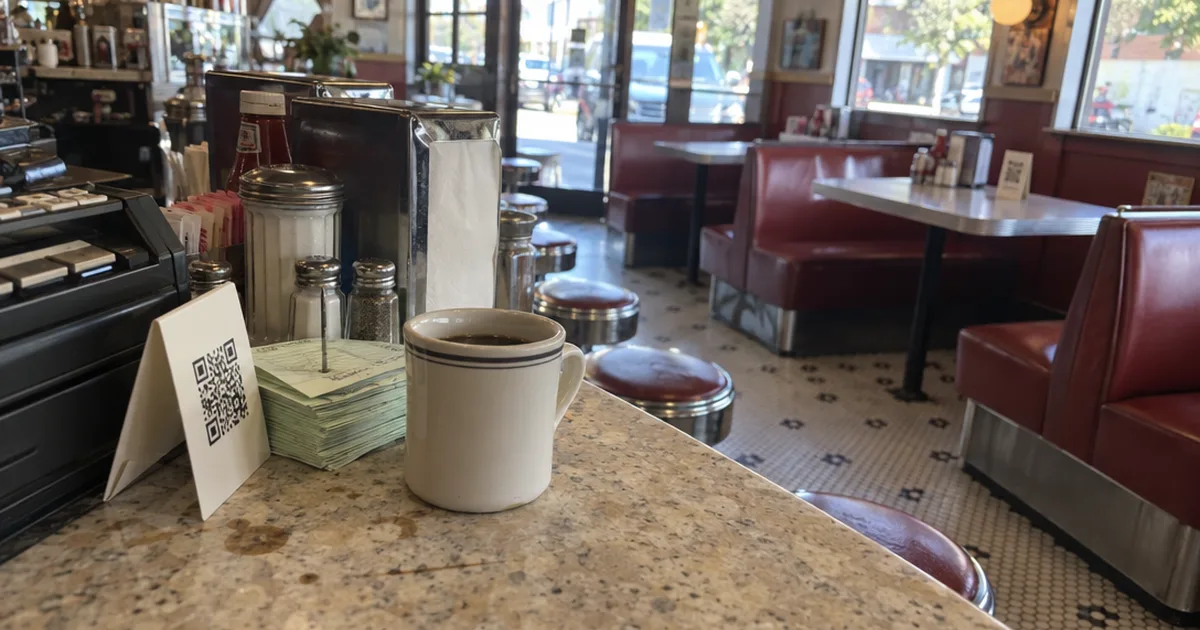
- First step: Print a QR code that links to your sign-up form and tape it by the register.
How to Set Up Restaurant Email Marketing Step by Step
Restaurant email marketing takes 7 steps: pick one goal, choose an email tool, collect opt-in email addresses, write a welcome email, automate birthday and win-back emails, plan a monthly send and track the results. Steps 4 and 5 run on their own once they’re built.
Step 1: Pick One Goal for Your Emails
Every email you send should push one thing a guest can do this week, so pick that goal before you write anything.
Here are 4 goals that work well for a small place:
- A second visit from first-time guests
- More lunch covers on your slowest weekday
- More pickup and takeout orders through your own website instead of delivery apps
- More bookings for a holiday or private event
Then attach a trackable offer, like a coupon code or a “show this email” deal. That way, you’ll know which emails brought people in, not just which ones got opened.
Step 2: Choose an Email Tool That Fits What You Already Use
The right email tool for a restaurant is the one that already talks to your point of sale (POS), online ordering or loyalty program, so guest emails flow in without retyping.
First, ask your POS or reservation provider whether it includes email marketing, because a built-in tool can see who visited and when.
If not, Mailchimp says on its site that providers such as Mailchimp have free marketing automation tools, which covers the welcome and birthday emails in Step 5.
Campaign Monitor describes its Automated Customer Journeys as a way to trigger a welcome sequence right after someone signs up. Look for that same kind of trigger in any platform you try.
Check 3 things on any platform’s pricing page before you sign up:
- How many contacts the free plan allows, and what the next plan costs.
- Whether it can send an email automatically after a sign-up, a birthday or a set number of days.
- Whether it connects to your POS, online ordering, Customer Relationship Management (CRM) software or the customer data from your loyalty program.
Pick the tool you’ll actually open every month, not the longest feature list.
Step 3: Collect Email Addresses With Opt-In at Every Touchpoint
Restaurants build an email list by asking for an email address wherever guests already interact with them, from the register and tables to online ordering and Wi-Fi login. Every sign-up should be opt-in email, meaning the guest chose to join.
Online orders, reservations, waitlists and loyalty sign-ups already collect emails at most restaurants. Then add 4 more ways to grow the list:
- An in-restaurant Wi-Fi prompt
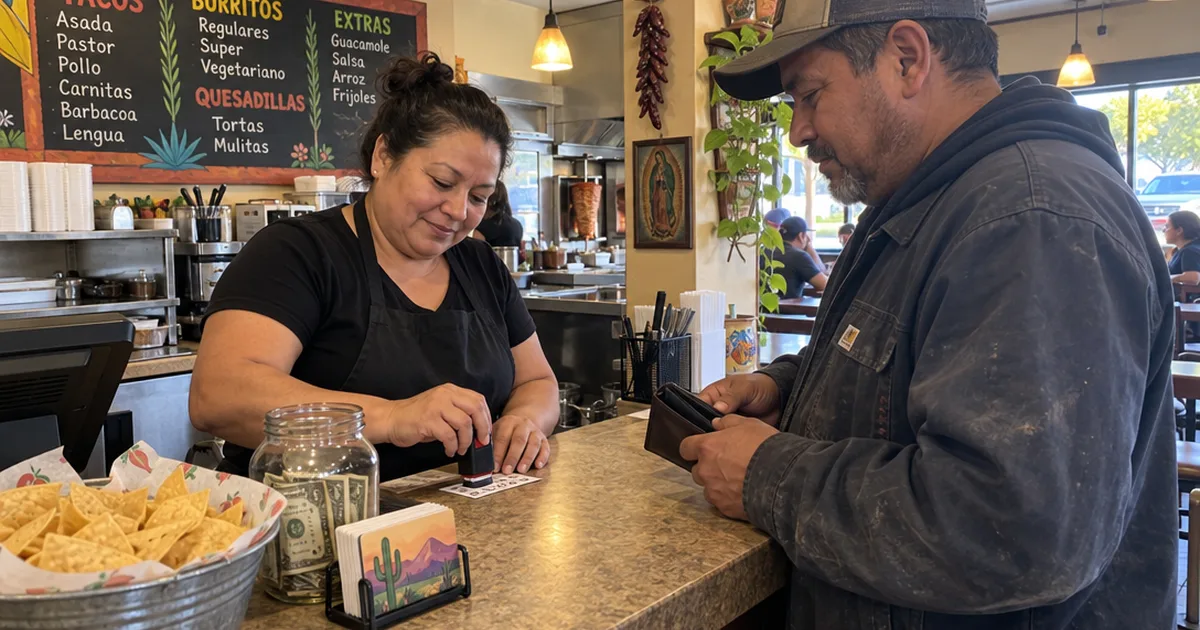
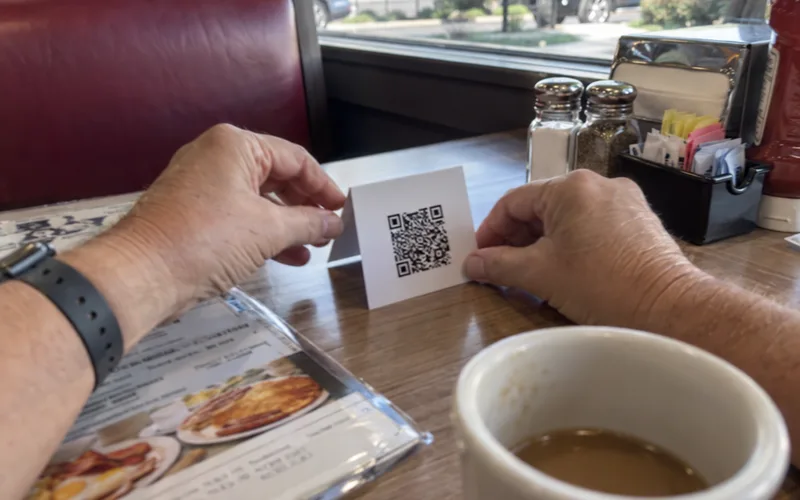
- A scan-to-join QR code at the register or table
- A sign-up landing page or form on your website
- A sign-up button on your social media pages
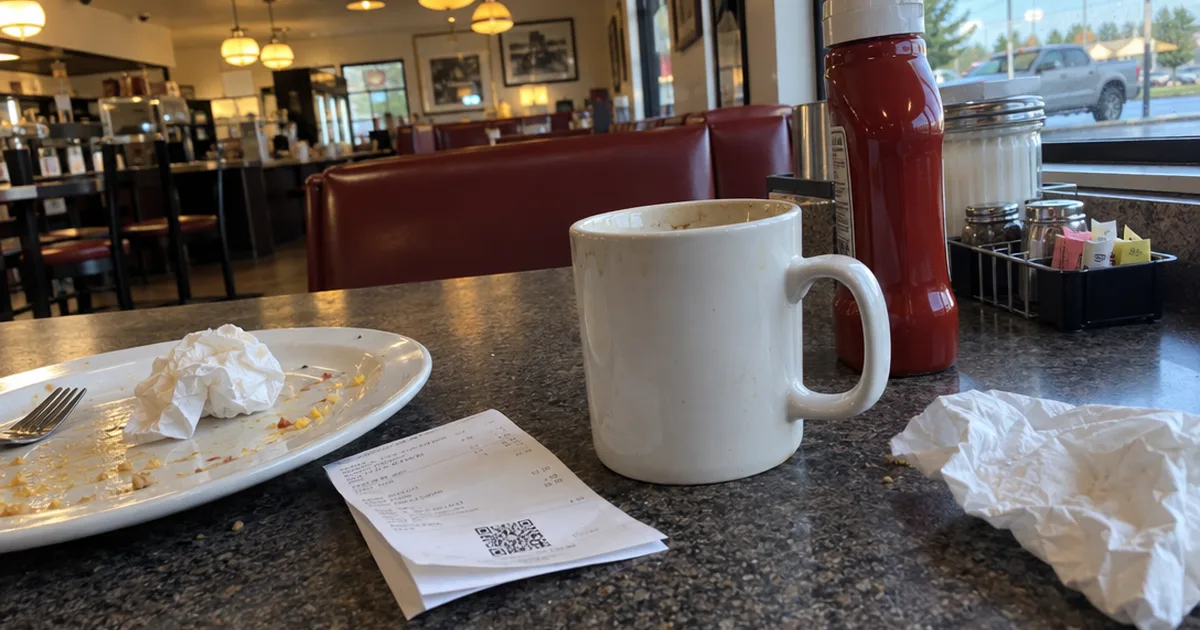
Restaurant Wi-Fi marketing turns the login screen into a sign-up form, and a QR code on the receipt catches guests right after a meal they liked.
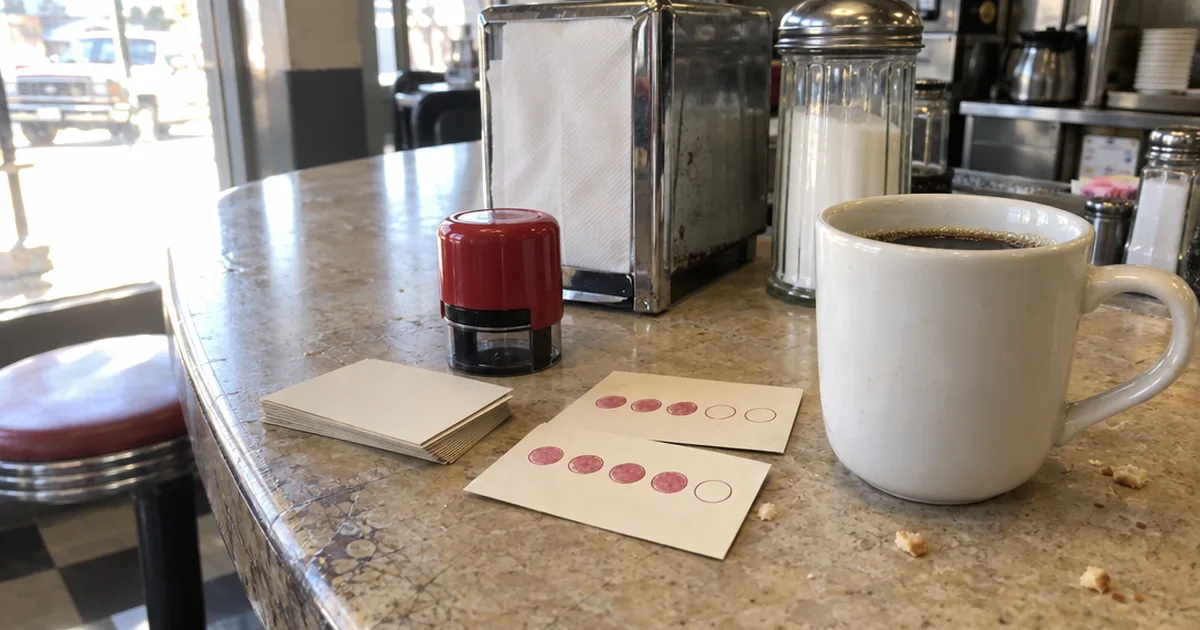
But guests need a reason to hand over an email address, so offer something small and specific: a free dessert, a free appetizer on the next visit or a stamp on their loyalty card. A digital punch card in Apple Wallet or Google Wallet makes that easy, because the sign-up and the reward live in the same place.
Never buy a list or add people who didn’t agree, because guests who never asked for your emails are the ones who report them as spam.
After that, a few free list-building ideas keep the list growing.
Step 4: Write a Welcome Email That Earns the Second Visit
A restaurant welcome email should thank the guest, deliver the promised sign-up offer, say in 2 lines what makes your place different and end with one call to action button. Send it the moment someone joins.
Olo recommends an automated welcome or thank-you email within 24 hours of a first online order, with an incentive for a return visit or another order.
Here’s an example welcome email you can adapt:
Subject: Welcome in! Your free dessert is inside
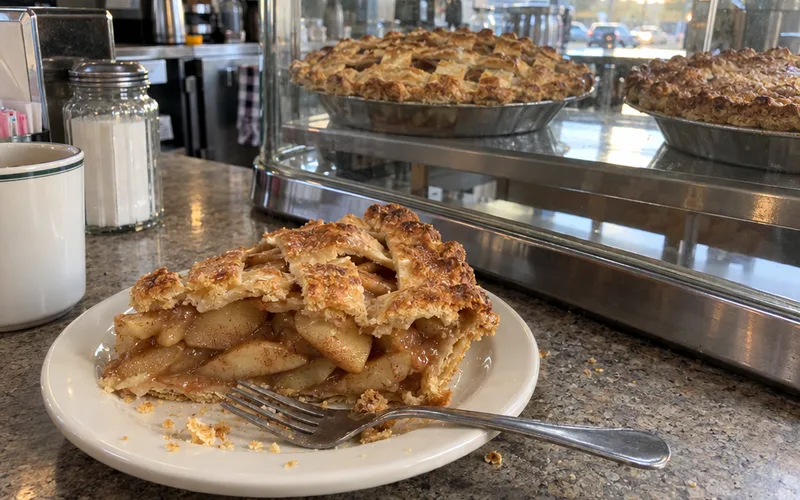
Thanks for joining the Maple Street Diner list. We’ve been flipping pancakes on this corner since 1998, and our pie case is the reason most people come back.
Show this email on your next visit for a free slice of pie. It’s good for 30 days.
[See tonight’s specials]
That example is hypothetical, so swap in your own name, story and offer, or borrow a line from these short welcome messages.
Keep the expiration date short, like 2 to 4 weeks. A deadline turns “someday” into “this week.”
Step 5: Automate Birthday, Second-Visit and Win-Back Emails
The 3 restaurant emails worth automating first are a birthday email, a second-visit nudge and a win-back email. Each one is triggered by customer behavior, like a long gap between visits, so you set it up once.
Olo reports that its own data shows personalized marketing can lift spend by email recipients 20% over 30 days, with a surge in sales the day after it’s sent.
Here’s how to set up each automation:
| Automation | Trigger | Offer idea |
|---|---|---|
| Welcome | Guest joins the list | The promised sign-up reward |
| Second visit | About a week after a first visit or order | A dish they didn’t order yet |
| Birthday | 1 week before the birthday | Free dessert or a drink |
| Win-back | No visit in about 60 days | Free dessert, with a short deadline |
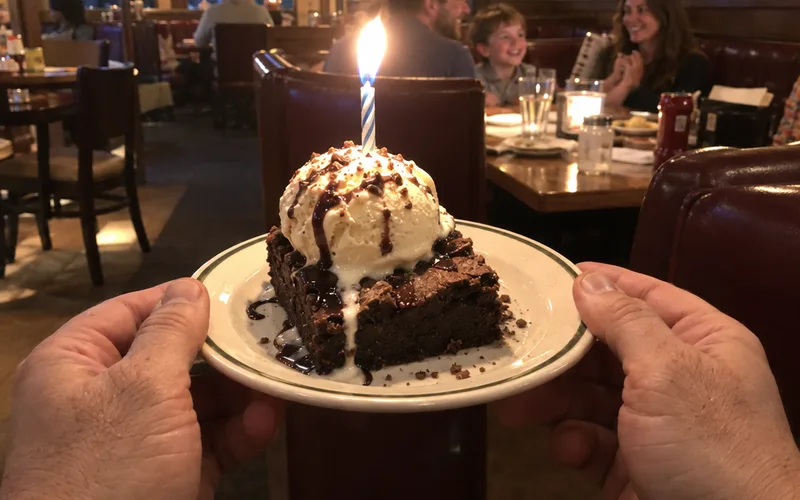
The win-back timing comes from the same company, which suggests an email with a free-dessert offer when a regular hasn’t come in for 60 days. If your regulars come weekly, trigger it sooner.
Personalization does the work here: name something they used to order or something new, then give one reason to come back this week. Here’s what to send:
Subject: We saved your booth, Maria
It’s been a while since your last Reuben. We just added a green chile version, and your first one is on us through Sunday.
Splitting guests by how often they come and when they last visited is called customer segmentation, and it’s what makes these emails feel personal.
Key Takeaway: Set up the win-back email first if you only have time for one. It goes to people who already know your food.
Step 6: Plan One Monthly Newsletter or Promo Email
A restaurant should send a monthly newsletter, slow-night promos, menu news, holiday and event invitations and loyalty updates, on top of its automated emails. Plan one regular send a month and add promos only for real news.
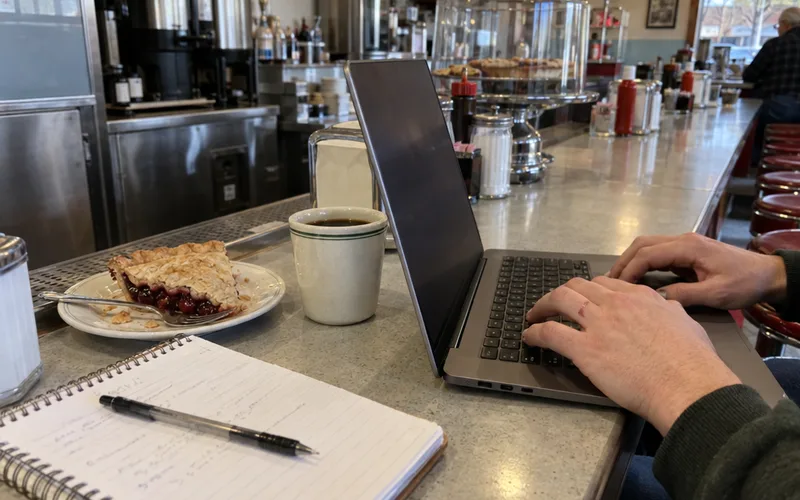
Here are 7 email types to rotate through the year:
- Newsletter: what’s new, a chef spotlight and one offer.
- Slow-night promo: a deal for your quietest night, like happy hour prices.
- New or seasonal menu: a first look at a dish, with a photo and a date.
- Holiday promo: Mother’s Day brunch, Thanksgiving pies or gift cards, sent 2 to 3 weeks ahead.
- Event invitation: trivia night, a wine dinner or live music.
- Loyalty update: “You’re 2 stamps from a free meal,” from your loyalty program.
- Online ordering push: a reason to order pickup from your own site, not a delivery app.
For promo emails, pick from these restaurant specials ideas and match each one to the marketing strategy goal you set in Step 1. One good email a month beats 4 rushed ones.
Step 7: Track Open Rate, Clicks and Visits
Restaurant email results are measured with 4 numbers: open rate, click-through rate, click-to-open rate and unsubscribe rate. A 2025 MailerLite report puts the restaurant averages at 43.6% opens, 1.13% clicks, 2.93% click-to-open and 0.17% unsubscribes.
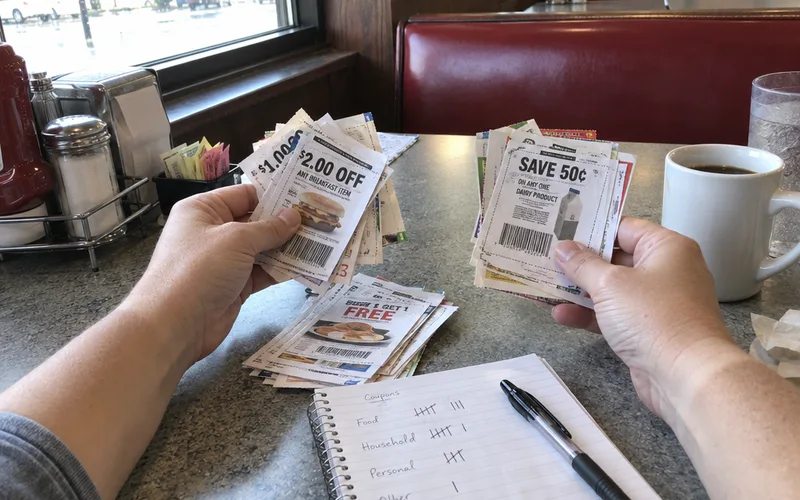
An open rate is the share of people who opened the email, a quick read on customer engagement. Click-through rate is the share who clicked a link in it.
Here’s how your numbers compare with the 2025 restaurant benchmarks:
| Metric | Restaurant average (2025) | What a low number means |
|---|---|---|
| Open rate | 43.6% | Weak subject line or a tired list |
| Click-through rate | 1.13% | Offer or button isn’t clear |
| Click-to-open rate | 2.93% | Email content doesn’t match the subject |
| Unsubscribe rate | 0.17% | Sending too often or off-topic |
So a 30% open rate is well below the restaurant average, even if some guides call it good.
But opens don’t pay the bills, so count redemptions and revenue from each email’s offer too. Copy the opens and clicks from your email platform’s analytics, add redemptions, and after 3 months you’ll know which emails fill seats.
Is Email Marketing Worth It for a Restaurant?
Email marketing is worth it for most restaurants: Olo reports it returns $36 for every $1 spent, compared with $2.70 for X ads and about $8.40 for Instagram. It also reaches guests who already know you, which is why it works so well for repeat visits.
There’s more behind that number. The same blog reports that 69% of guests worldwide chose email as their preferred way to hear from consumer brands.
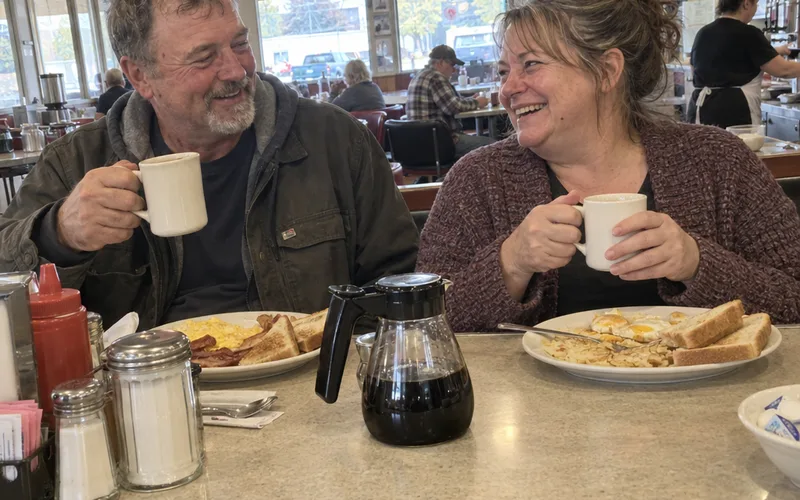
And consumers say they’ll spend 32% more with brands that use the channel they prefer. In fact, it cites research that email is 40x more effective at bringing new guests back than Facebook or Twitter.
Why does that matter for a small restaurant?
Because you own the channel. On delivery apps, social media and paid advertising, the platform decides who sees you, but ownership of your email list stays with you even if you switch software.
Email vs. Text Messages for Restaurants
Email also works well next to restaurant text marketing. Texts, or SMS, suit short, same-day offers, while email has room for photos, menus and the story behind a dish.
So if you can only add one channel this year, make it email, since few channels match its return on investment.
How Often Should a Restaurant Send Marketing Emails?
A restaurant should start with 1 planned marketing email a month plus automated welcome, birthday and win-back emails, and send more only while its unsubscribe rate stays near 0.17%, the restaurant average in a 2025 MailerLite report. Advice on frequency varies widely, so let your own unsubscribe rate decide.
To find your number, check the unsubscribe rate for your last 3 sends in your email platform’s reports. If it’s at or under about 0.2%, you have room for a second email about a holiday or event.
If it jumps after a busy month, pull back to 1 a month and give each email a real reason to come in.
Restaurant Email Subject Lines to Copy
Good restaurant email subject lines are short, specific and name the food, the offer or the date, so a guest knows why to open it before they tap. The best ones match the email inside, which protects your click-to-open rate.
Here are example subject lines for each email type, written for this guide:
| Email type | Subject line |
|---|---|
| Welcome | Your free dessert is inside |
| Slow-night promo | Kids eat free this Tuesday |
| New menu | New: green chile Reuben starts Friday |
| Holiday | Mother’s Day brunch tables are filling up |
| Event | Trivia night is back on the 14th |
| Birthday | Happy birthday! Dessert’s on us this week |
| Win-back | We saved your booth |
Swap in your own dishes and dates, since a real menu item beats “special offer” every time. If your email software allows it, use A/B testing: send 2 subject lines to a small slice of the list and the winner to everyone else.
Common Restaurant Email Marketing Mistakes
The most common restaurant email marketing mistakes are sending the same email to everyone, leaving out a button, sending one big image instead of text and going quiet for months. Each one takes minutes to fix.
Sending the Same Blast to Everyone
A first-time guest and a weekly regular want different emails, so don’t send your whole mailing list the same one. Start with 3 target audience groups: new guests, regulars and guests who haven’t been in for 60 days.
Leaving Out a Clear Next Step
Every email needs one button, like “Book a table” or “Order pickup.” More than one makes guests pick none.
Sending One Big Picture
If the image doesn’t load, the guest sees a blank email and no offer. Put the offer in text, then add the photo.
Going Quiet for Months
If guests hear from you twice a year, they forget they signed up, and that’s when spam reports climb.
Email is one part of a bigger plan to bring guests back, and these customer retention strategies show how it fits with loyalty rewards and service.
What You Need to Start Restaurant Email Marketing
You need 3 things to start restaurant email marketing: an email tool, a way to collect opt-in email addresses and a sign-up offer you can afford. A phone camera covers food photos, your logo covers the header, and a one-page calendar of slow nights and holidays becomes your email plan.
Frequently Asked Questions
Is email marketing worth it for a restaurant?
Email marketing is worth it for most restaurants: Olo reports a $36 return for every $1 spent, against about $8.40 for Instagram. Start with a welcome email and a win-back email, since both run on their own.
How much does email marketing cost for a restaurant?
Restaurant email marketing can start at $0, because Mailchimp says providers like it have free marketing automation tools. Check the pricing page for the free-plan contact limit, since cost grows with your list.
What is the best email marketing platform for a small restaurant?
The best email marketing platform for a small restaurant is the one that connects to the POS, online ordering or loyalty program you already use, so guest emails and visit dates flow in on their own. If nothing connects, a general tool such as Mailchimp or Campaign Monitor works with a sign-up form and a QR code.
What is a good email open rate for restaurants?
A good email open rate for a restaurant is about 43.6%, the restaurant average in the MailerLite 2025 report, with a 1.13% click-through rate. Compare each send with your own last 3 sends too.
How do you win back restaurant customers who stopped coming?
You win back restaurant customers who stopped coming with an automated email that goes out when a regular hasn’t visited for about 60 days, with an offer such as a free dessert. Name a dish they ordered or something new on the menu, so it reads like a note from you.
Final Thoughts
Restaurant email marketing works best when most of it runs on its own: a welcome email, a birthday email and a win-back email do the heavy lifting.
Pick your email tool this week, put a scan-to-join sign by the register and write your welcome email before Friday.