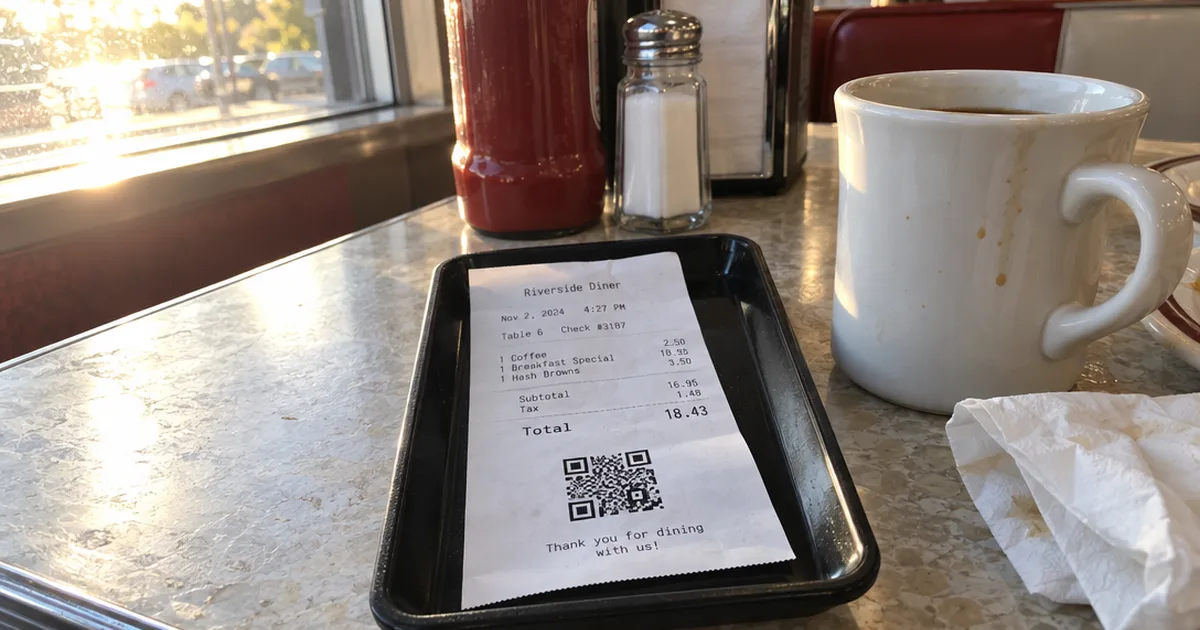
Square sellers have asked how to print a QR code on a receipt since 2020.
Square’s own moderators answered that year with a workaround: upload the code as your logo.
That trick still works on almost any POS. Here’s what to link it to, how to print it and how to get it scanned.
What Is a QR Code on a Receipt For?
A QR code on a receipt sends a guest who just paid to one webpage on their phone, such as a review form, a survey, a coupon or a loyalty sign-up.
You’ve seen the same technology on business cards, where a QR code often holds a Vcard contact file. On a receipt, the timing is what makes it work, because the guest has just paid.
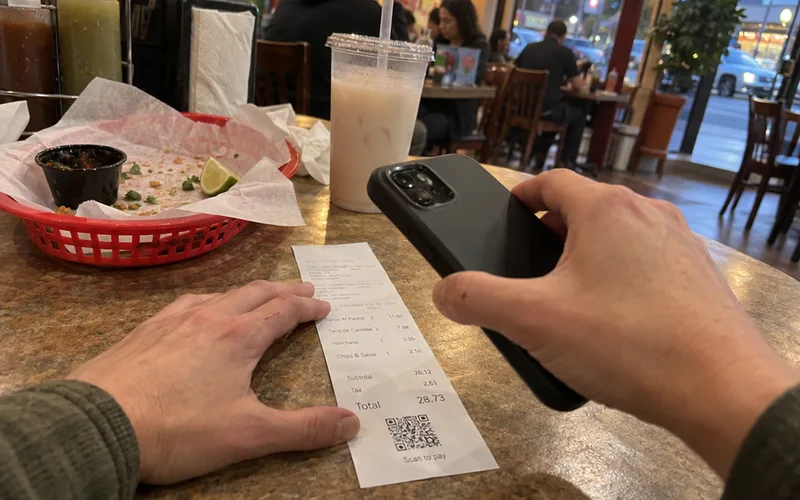
For example, a museum on the Square Seller Community forum asked in February 2022 for a receipt QR code linking to a post-visit experience survey.
Restaurants use the same spot on the paper for 4 common jobs:
- Collecting feedback while the meal is fresh
- Asking happy guests for a review
- Handing out coupons for the next visit
- Signing guests up for a loyalty program
A receipt code works best when it does one of those jobs, not all 4.
What Should a Receipt QR Code Link To?
For most small restaurants, a receipt QR code should link to a loyalty sign-up, such as a digital punch card in Apple Wallet or Google Wallet.
Why? Reviews and surveys help you learn and get found, but a loyalty card brings the same guest back.
That’s customer retention, the job customer loyalty programs exist to do.
Here’s how the main destinations compare:
| Link the code to | Best for | What the guest gets |
|---|---|---|
| Loyalty sign-up | Repeat visits | A stamp toward a free item |
| Review page | Getting found | A quick way to say thanks |
| Short survey | Fixing problems | A say in what changes |
| Email or text sign-up | Slow-night promos | Deals sent to their phone |
If you pick loyalty, a digital punch card is the simplest fit, because the guest scans once and saves it. An Apple Wallet loyalty card can’t get lost in a purse the way paper can.
The other rows still earn their place. Pair a survey link with good satisfaction survey questions, and use review links once you respond to reviews regularly.
A text or email sign-up works too, if you want to build an email list for slow nights, as long as the form links your privacy policy. In other words, pick the destination that fixes your biggest problem this month.
How to Add a QR Code to Your Receipts
You add a QR code to a receipt by uploading it as an image to your POS receipt logo or footer setting, or to your thermal printer’s setup tool.
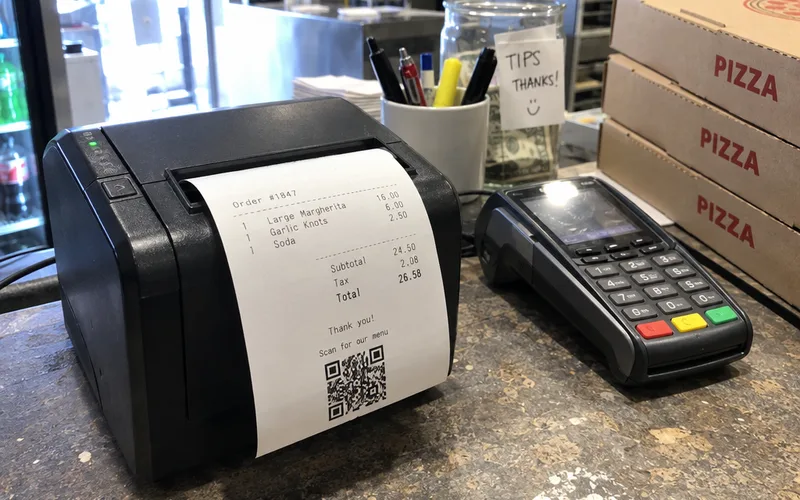
Many point-of-sale systems, credit card terminals and cash registers already print a logo on every receipt. To that setting, a QR code is just another graphic, which turns the receipt into a marketing tool you already pay for.
Here’s the process:
- Create the code with any free QR generator, pointing to a short URL you control.
- Download it as a black-and-white PNG or JPG, since thermal printing only darkens thermal paper where the printer heats it.
- Upload it in your POS receipt settings, often labeled logo, header or footer image.
- Print a test receipt and scan it with 2 or 3 phones, such as an iPhone and an Android.
If the code won’t scan, print it larger or leave more blank space around it.
Adding a QR Code to Square Receipts
Square receipts have no dedicated QR code setting, so the workaround is uploading your QR code image as the receipt logo.
A Square community moderator suggested that on the Square Seller Community forum in October 2020. You upload a QR image under “Upload Logo” in your receipt settings.
The catch? That code takes your logo’s spot on the receipt.
So if your brand already sits on your cups and menus, give the receipt slot to the code.
Weighing Square’s paid add-on instead? Read this Square Loyalty review first.
Can Guests Pay the Bill With a Receipt QR Code?
Guests can pay from a receipt QR code only when your POS prints a code tied to that check, because a logo image can’t close a bill.
Plenty of owners want it. In September 2022, a restaurant owner on the Square Seller Community forum asked for receipts that let customers pay via their phone and close the check.
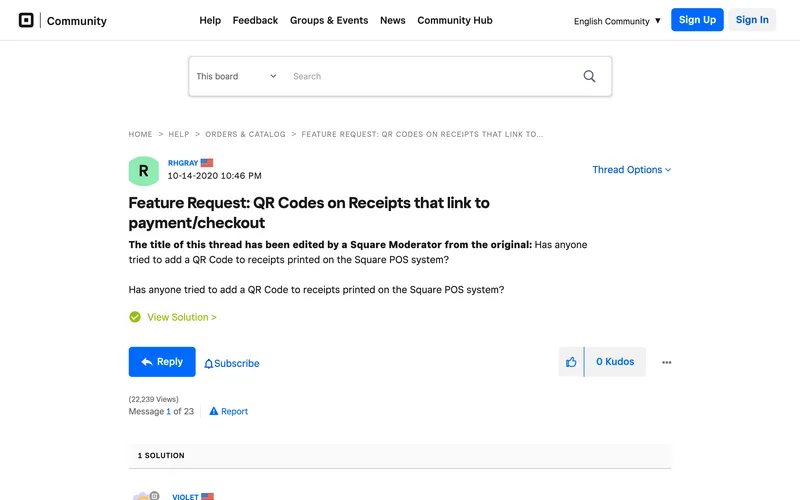
A Square moderator replied in the same thread in May 2024 that Square does not have QR codes just for payments.
So ask your POS provider before you print anything. Here’s what to say: “Can your system print a QR code on the guest check that lets guests pay and closes the check?”
How to Get Guests to Scan a Receipt QR Code
A receipt QR code gets scanned when the line next to it gives a clear reason and action, such as “Scan for a free stamp toward your next taco.”
A guest needs only a camera phone and a reason. The call to action next to the code matters more than the code itself.
Good receipt lines are short and name the payoff:
- “Scan to start your punch card. Your 10th coffee is on us.”
- “Scan and tell us how we did. It takes 30 seconds.”
- “Scan to get Tuesday’s 2-for-1 deal by text.”
Those lines are hypothetical, so match the reward to your menu. These punch card reward ideas can help you pick one guests care about.
Then have your server say it when they drop the check: “Scan the code at the bottom and your first stamp is on us.”
Why Some Receipts Have a QR Code for Tax Checks
A tax QR code on a receipt lets authorities verify the sale: in Austria, receipts that follow the RKSV cash register rule print a code with the sale’s key data.
Efsta, a fiscalization provider, calls that code a machine-readable representation of the most important transaction data.
The same page explains that a checker can compare this data with what the cash register stored. That verification shows whether the receipt is genuine.
So a tax code proves the sale happened, while your marketing code sends the guest somewhere useful.
Start With One Code This Week
The best receipt QR code is the one that gives a guest a reason to come back.
Make a loyalty sign-up code, print a test receipt and scan it with 3 phones this week.
Frequently Asked Questions
How do you scan a QR code on a receipt?
You scan a QR code on a receipt by opening your phone’s camera, pointing it at the code and tapping the link that opens in your browser. If nothing happens, hold the receipt flat in good light and move the phone a little farther away.
Can a receipt QR code show the list of what I bought?
A receipt QR code can show what you bought only when the POS creates a new code for that sale, as digital receipt and tax systems do. A code uploaded as a logo image is identical on every receipt, so it can’t hold order details.
Is a QR code mandatory on a receipt?
A QR code is mandatory on a receipt only where a tax rule requires one, such as Austria’s RKSV rule for compliant cash register receipts. A marketing code you add yourself is optional, and you decide where it points.