65% of consumers follow food and lifestyle topics on social media. That made food the biggest community in Deloitte Digital’s 2025 State of Social research, ahead of every other topic it surveyed.
So the people you want at your tables are already online, looking at food. The hard part is getting your restaurant in front of them and then getting them through the door.
Below are the 7 restaurant digital marketing channels in the order I’d set them up, starting with the free Google listing, plus what each one takes and how to tell it’s working.
- Best for: Small diners, pizzerias, taquerias and family restaurants with no marketing staff. Skip it if you already run every channel here and only need help with paid ads.
- Cost: Free to start, since a Google Business Profile costs nothing.
- Payoff: Restaurants reported an average 9.9% revenue increase from their social media strategies in 2024, per the same research.
- Time: This week for the Google profile and menu, then 1-3 months to build the rest.
- First step: Search your restaurant’s name on Google Maps and claim the listing.
What Is Restaurant Digital Marketing?
Restaurant digital marketing is everything you do online to get found by hungry people nearby, win their first visit and bring them back. It covers your Google listing, menu, website, reviews, social posts, creator partnerships and the email, text and rewards lists you own.
It’s the online half of restaurant marketing, the part that happens on a phone before anyone walks in.
Think of it as 4 jobs in a row:
- Get found: show up when someone searches “tacos near me” on Google Search or Google Maps.
- Get chosen: look open, tasty and trustworthy once they tap on you.
- Get the order: make it easy to call, book, order pickup or get directions.
- Get them back: collect a way to reach them again, like an email address or a loyalty card.
Most restaurants are decent at job 2 and forget job 4.
That’s a costly gap, because a guest who already liked your food is the easiest one to bring back.
What Do Restaurant Digital Marketers Actually Do?
A restaurant digital marketer, whether that’s you, a staff member or an agency, spends most of the week on small, repeatable tasks. They update hours and specials, post photos, answer reviews and messages, send a weekly email and check which channels brought in calls and orders.
None of that needs a marketing degree, just a schedule, and the same tasks make up digital marketing for any food business, from a food truck to a bakery.
Does Digital Marketing Work for Small Restaurants?
Digital marketing works for small restaurants when it drives real visits. Restaurants reported an average 9.9% revenue increase in 2024 from their social media strategies, according to Deloitte Digital.
In the same research, 90% of restaurants say social media is very or extremely important to their digital marketing.
That 9.9% is an average for social media marketing, not a promise, and your results depend on your street, your menu and how steadily you show up.
The channels that work best are the ones that end in an action. A post that gets likes but never gets anyone to book a table is decoration.
How to Do Restaurant Digital Marketing: 7 Steps in Order
Start restaurant digital marketing with your Google Business Profile and an online menu, then add direct orders, reviews, one social platform, local creators and a guest list you own. Each step feeds the next, so the order matters.
Do them one at a time, because a finished step 1 beats 7 half-started channels.
Step #1: Fill Out Every Field in Your Google Business Profile
A Google Business Profile is the free listing that puts your restaurant on Google Search and Google Maps, and Google says creating one costs nothing. It’s the heart of local search engine optimization, or SEO, which is simply getting found when people nearby search for food.
Search your restaurant’s name on Google Maps right now.
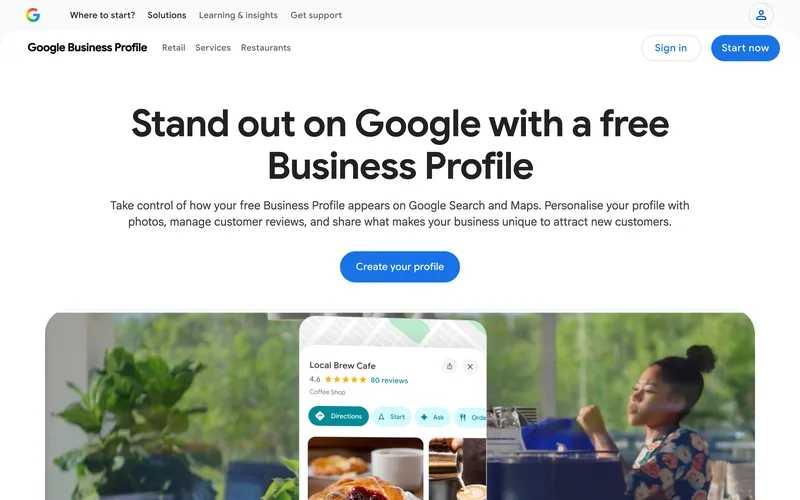
Claim the listing if it’s already there, or create one and verify it if it isn’t.
Then fill in every field, not just the basics:
- Hours, including holiday hours
- Your full menu, with prices
- Photos of your best plates, your dining room and your front door
- Links for reservations, pickup and delivery
- Your categories, like “Mexican restaurant” or “pizza delivery”
That list matters because Google says diners can reserve a table and order takeout or delivery straight from a profile. Every link you skip is an order that goes somewhere else.
Then copy the same hours and menu to Apple Maps, Yelp and TripAdvisor, so every listing matches. Last, post an update whenever you run a special or an event.
Google says posts can “promote special offers, events, and updates to keep customers in the loop.” A weekly post is the easiest way to show you’re open.
A complete restaurant business profile is the foundation the next 6 steps stand on.
Step #2: Put a Digital Menu Everywhere Guests Look
A digital restaurant menu is your menu typed out as text, with prices and photos, on your Google profile, website and social pages. Google’s own profile page tells restaurants to “showcase your top dishes with high-quality photos and clear pricing.”
Why text instead of a PDF?
A guest on a phone has to pinch and zoom to read a PDF, which is a hassle when they’re hungry. Text also lets a menu that says “birria” match the guest who searched for birria.
Here’s how to set it up in an afternoon:
- Type your dishes into a document: sections, items, a one-line description and the price.
- Add it to your listing with the profile’s built-in editor.
- Paste the same text onto one page of your website.
- Add it to your Facebook page too.
Photos do the selling.
So shoot your 5 best sellers in daylight by a window, and use those same shots everywhere. If you want them to look better than a quick snap, restaurant food photography is easier to learn than most owners think.
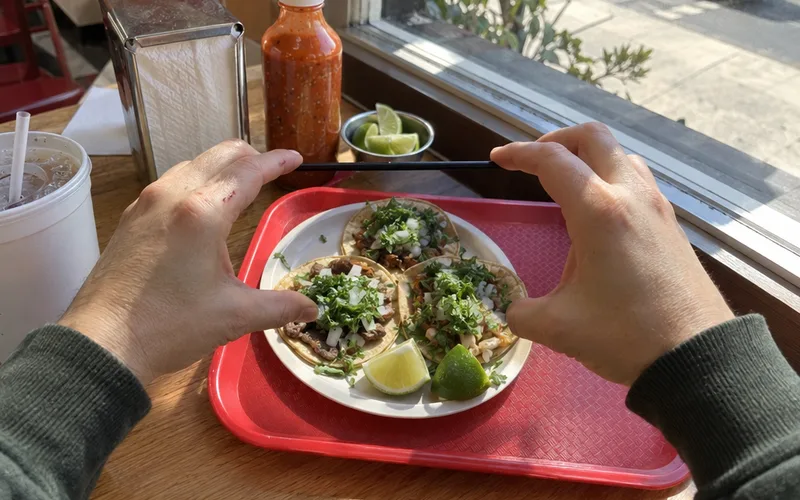
The catch is keeping every copy in sync, so update Google, your website and Facebook on the same day a price changes.
Step #3: Give Your Website One Job: Direct Orders
Your restaurant website’s main job is to turn a visitor into an order, a booking or a visit. In Deloitte Digital’s 2025 survey, 48% of restaurants named optimizing their own platforms for mobile as the next best way to drive visits, after promoting events on social media.
Picture who’s visiting: someone on a phone, standing on a sidewalk, deciding where to eat.
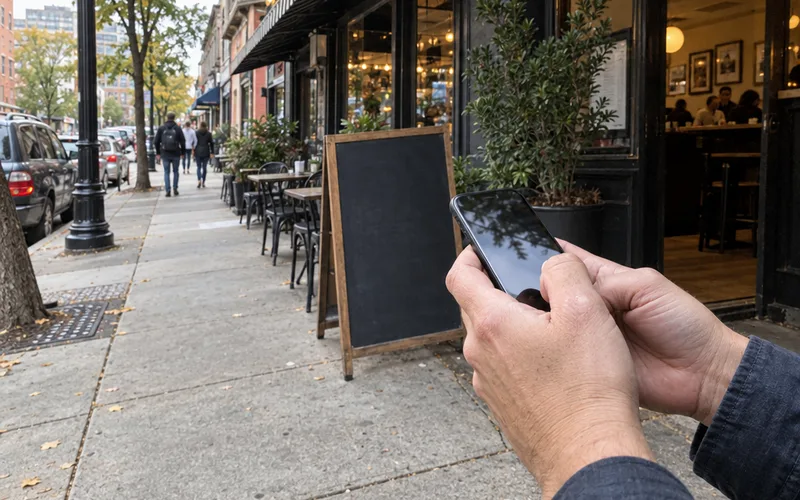
So the top of your homepage should answer 3 questions: are you open, what’s on the menu and how do I order?
Put one big call to action button there, like “Order Pickup” or “Book a Table.”
And if you take online orders, send people to your own ordering page before any delivery app. Delivery apps usually take a commission on each order, while commission-free online ordering keeps the guest’s name and the full ticket with you.
You don’t need a fancy site: a clean template with your menu, hours, address, photos and an order button is enough. A few of the best restaurant website designs are simpler than you’d expect.
Step #4: Turn Happy Guests Into Online Reviews
Online reviews are the proof a new guest reads before choosing you, and asking happy guests for them, then answering every one, is free. Google’s profile page tells businesses to “respond to customer reviews and highlight your 5-star ratings,” and replies show new guests how you treat people.
The easiest way to get more reviews is to ask right after a guest says something nice about the food.
Here’s what to say: “I’m so glad you liked it! If you have a minute, a Google review really helps a small place like ours.”
Then make it easy. Print your review link as a QR code on the receipt or a table card, so nobody has to search for you.
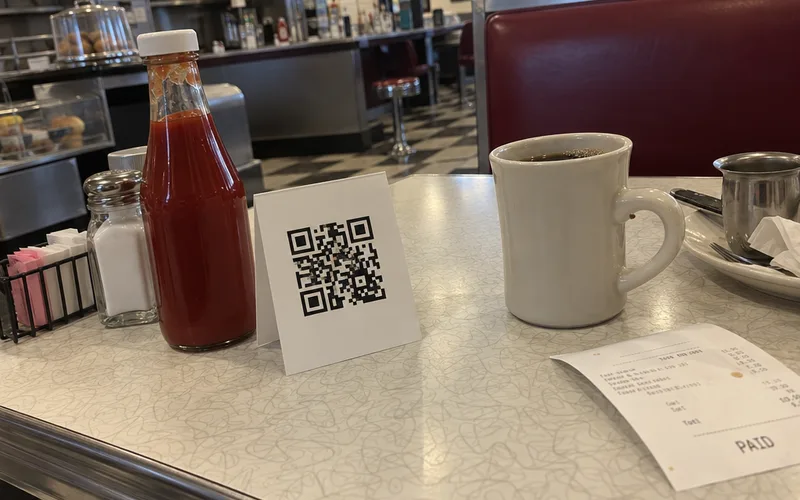
Reply to bad reviews and other negative feedback too, calmly and within a few days.
Your reply is really written for the next customer reading it, so thank them, own any real mistake and invite them back. A simple online reputation plan keeps this from turning into a late-night chore.
Step #5: Promote Events on One Social Platform
Social media works best for restaurants when it promotes something guests can show up for. In Deloitte Digital’s 2025 survey, 51% of restaurants said promoting in-person events on social media is the most effective way to drive visits.
So don’t just post food.
Post reasons to come in on a specific night.
For example, a slow Tuesday could become trivia night, and a quiet lunch could become a new-dish tasting. Then you post about it 3 times: a week before, the day before and the afternoon of.
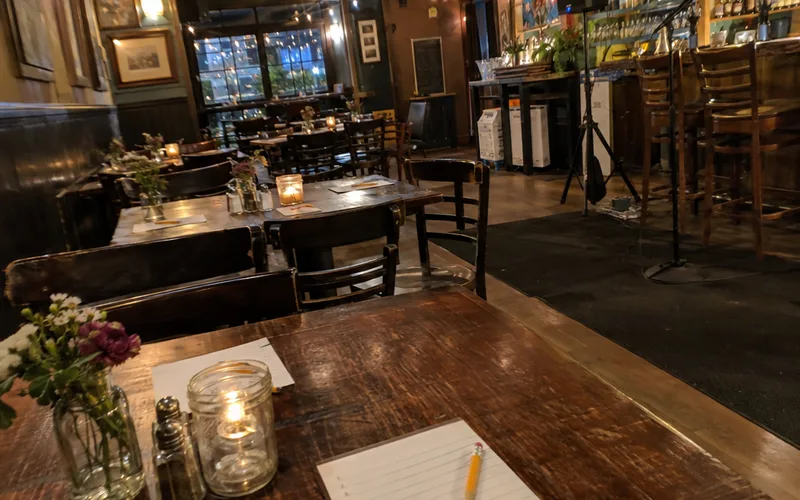
Pick one platform, not five.
Instagram, Facebook, TikTok and YouTube are the usual picks for food, so choose the one your regulars already use and post there every week. One account you keep up beats four accounts you forget.
Here’s a simple mix for each week:
- One event or special, with the day, time and price
- One dish coming out of the kitchen, as a short video
- One face, like one of your chefs, a server or a regular who agreed to be filmed
- One reply to every comment, Facebook Messenger chat and WhatsApp message
A steady rhythm helps you promote your restaurant on social media without it eating your Mondays.
Step #6: Invite Local Food Creators to Eat
Food creators are local people who post about restaurants for their followers, and they’re one of the most overlooked tools a small restaurant has. In Deloitte Digital’s 2025 survey, restaurants ranked creators as their lowest-priority social tactic, yet 46% called it their second-highest return strategy.
Only loyalty and rewards programs ranked higher.
That’s a big gap between effort and payoff, and it makes sense once you see who people trust.
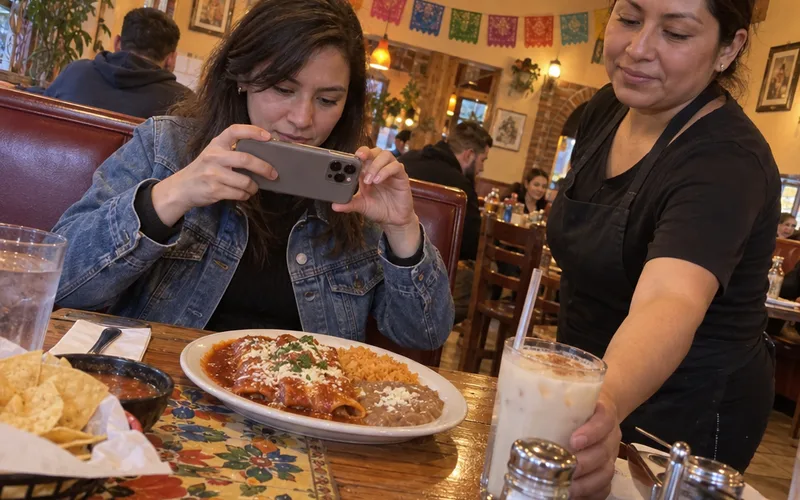
The same research found 83% of consumers see the creators they follow as trusted sources of information. They also follow 13 creators on average, compared with just 7 brands.
So start with nearby creators whose followers actually live close enough to visit.
Here’s how to start:
- Search Instagram or TikTok for your city plus “food,” like “Fresno food” or “eats,” and note creators who post nearby spots.
- Pick 3 whose followers look local and whose posts feel honest.
- Send a short invite.
Here’s what to send:
“Hi! I run [your restaurant] on [street]. We just added [dish], and I’d love to have you in for dinner on us this week. No strings attached, post only if you love it.”
Then treat them like any other customer, because an honest post about a good meal beats a scripted one. Restaurant influencer marketing gets easier once you have one creator who likes you.
Step #7: Build a Guest List You Own With Email, Text and Rewards
A guest list you own is the one digital channel no app or algorithm can take away from you. It can be an email list, a text list or a loyalty program on a digital punch card.
It’s also how a one-time follower becomes a regular, because you can invite them back without paying for an ad.
Every other step on this list is rented space.
Google, Instagram and the delivery apps can change their rules overnight, but your list stays yours.
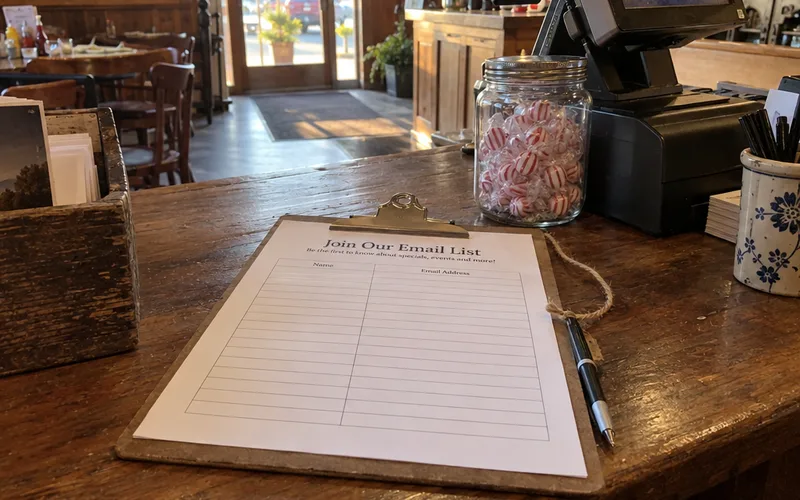
So give guests a reason to join at the table or the register, like a free drink next visit, a birthday treat or a stamp toward a free meal.
Here’s where each piece fits:
- Email: a weekly or monthly note with the new special and the next event. Restaurant email marketing is a simple way to reach a lot of regulars at once.
- Text (SMS): short, timely alerts like “Pozole is back today.” Only text people who said yes, and restaurant text marketing covers the opt-in rules.
- Rewards: a digital punch card that guests save to Apple Wallet or Google Wallet, so it lives on the phone they never leave home without.
Start with one, not all three.
If you only pick one, a rewards card is the easiest to explain at the register, because the guest gets something right away.
Where Paid Ads Fit in Restaurant Digital Marketing
Paid advertising fits after the free basics are working, because an ad only pays off if your Google profile, menu and website can turn a click into a visit. Run ads for one clear goal, like filling a slow night or launching a new dish, and stop the ones that don’t bring in orders.
Facebook ads for restaurants let you show a dish and an event to people within a few miles of your door. Google Ads for restaurants show up when someone is already searching, like “pizza delivery near me” at 7 p.m.
Keep the first test small and local: a tight radius around your restaurant and one offer. Send each ad to one of your landing pages, like the order page or the event page, instead of your homepage.
How Much Does Restaurant Digital Marketing Cost?
Restaurant digital marketing can start at $0, because a Google Business Profile is free. So are social accounts, review replies and an email list you collect at the register.
You pay for the extras: a website, online ordering, email or text software, paid ads and help from an agency.
The free part still costs time, about an hour a week for the routine below.
How to Price the Paid Tools
Paid tools vary a lot by provider and plan, so I won’t guess at a number for you. Here’s how to get your own in about 15 minutes.
Open the pricing pages of the 2 or 3 tools you’re considering, like a website builder, an email platform and a loyalty app. Write down the monthly price for your size and add them up.
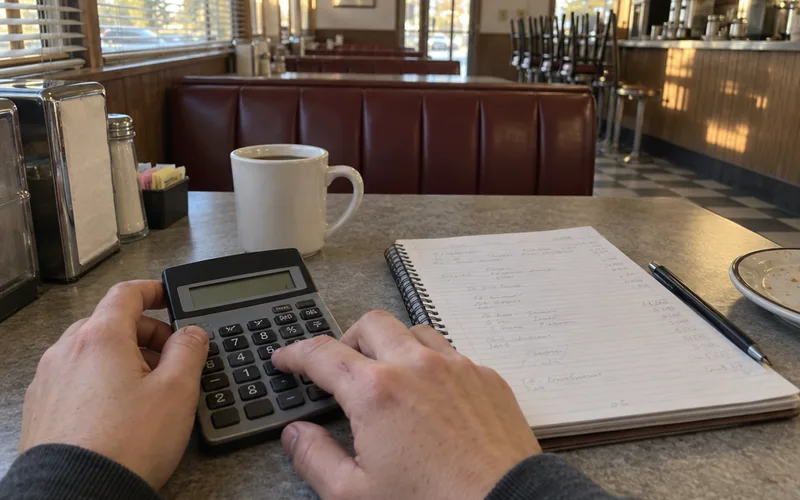
Then compare the total with what one extra table of 4 brings in on a weeknight.
If the tools cost less than a few extra tables a month, the return on investment is worth a test. A simple restaurant marketing budget keeps that math in one place.
A 1-Hour Weekly Digital Marketing Routine
A weekly routine of about an hour, split into small blocks, keeps restaurant digital marketing from slipping and covers the free channels: your Google profile, reviews, social posts and guest list. Pick the same day each week, like a slow Monday afternoon, so it becomes a habit instead of a chore.
Here’s a simple version you can copy:
- Business listing (10 minutes): check hours, add one post and upload any new photos.
- Reviews (10 minutes): reply to every new review, good or bad.
- Social media (20 minutes): schedule this week’s event post, dish video and staff post.
- Guest list (15 minutes): send one email or text about this week’s special.
- Numbers (5 minutes): jot down calls, orders and sign-ups in a notebook or spreadsheet.
Those times are a starting point, not a rule. Plan the bigger moments, like holidays and seasonal menus, a month ahead with a restaurant marketing calendar.
How to Tell If Your Digital Marketing Is Working
Restaurant digital marketing is working when the actions guests take online go up: more calls, direction requests, bookings, online orders and list sign-ups each month. Google says its Business Profile shows several of these for free: calls, reviews, bookings and the keywords people searched to find you.
Likes and followers don’t pay the bills, so track the numbers that end in a visit.
The 3 Numbers to Check Each Month
Check these on the first of every month:
- Profile actions: calls, direction requests and bookings from your Google listing.
- Direct online orders: orders placed on your own website, not the delivery apps.
- Guest list growth: new email, text or rewards sign-ups.
Then compare each one with last month.
If a number went up after you started a step, keep going. If it stayed flat for 2 or 3 months, change one thing, like the offer, the posting day or the photo, and watch again.
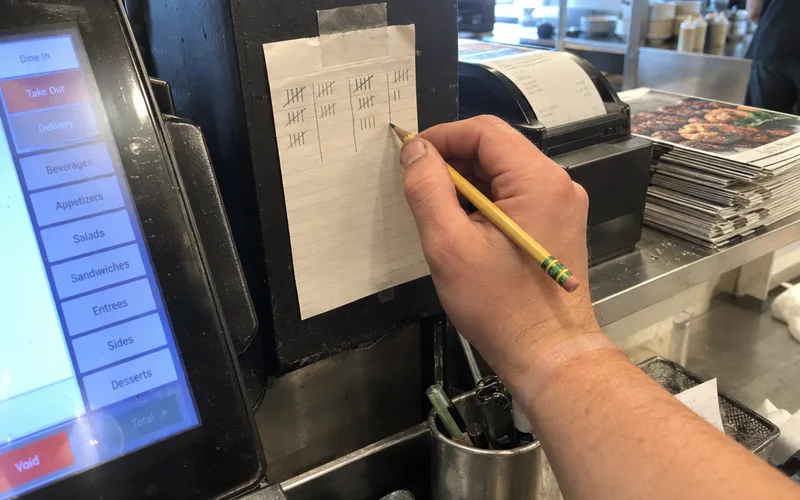
You can also ask new guests one question at the register: “How did you hear about us?” Tally the answers for a month, and you’ll see which channel, including plain word-of-mouth, is really bringing people in.
When you’re ready for more detail, these restaurant marketing KPIs show what else is worth tracking.
Should You Hire a Restaurant Digital Marketing Company?
Hiring a restaurant digital marketing company makes sense once the free basics are set up and you have budget for help but no time to keep them going. If your Google profile, menu and reviews aren’t handled yet, do those yourself first.
No agency can fix a listing with the wrong hours faster than you can.
An agency usually takes over the weekly routine of posts, ads, emails and reports, so you’re really buying back time.
Before you sign, ask any company these questions:
- Which other independent restaurants do you work with, and can I call one?
- What will you report to me each month, and will it include calls and orders?
- Who owns my accounts, my photos and my guest list if I leave?
Read the company’s own online reviews too, the same way a diner reads yours.
If they can’t name the numbers they’ll move, keep looking.
Start With Your Google Profile This Week
The biggest takeaway: your digital marketing is only as strong as your Google listing and your guest list.
So open Google Maps today, search your restaurant’s name and fill in every field.
Then pick one way to collect guests you can reach again, and start it before the weekend.
Frequently Asked Questions
What is a restaurant digital marketing strategy?
A restaurant digital marketing strategy is a written plan for which online channels you use, in what order, and what each one should get you, such as more calls, online orders or return visits. Keep your restaurant digital strategy to one page: your listing, your menu, one social platform, a guest list and the numbers you’ll check each month.
How do I promote my restaurant online for free?
You can promote a restaurant online for free with a Google Business Profile, which Google says costs nothing, plus review replies, posts on one social platform and an email list you collect yourself. The real cost is time, so block the same hour every week for it.
What are some examples of restaurant digital marketing?
Common examples of restaurant digital marketing are a Google post about tonight’s special, an Instagram video of a dish leaving the kitchen, a trivia night promoted on Facebook, a birthday email and a digital punch card saved to a guest’s phone. Pick one you can repeat every week, then add the next.