Keeping an eye on 20+ review sites can take less than 5 minutes a day.
That’s the claim on RepCheckup’s homepage, a review-monitoring tool, and you can get surprisingly close to it without paying for anything.
Restaurant online reputation management is mostly a habit, not a software purchase.
Below are 7 steps in the order I’d do them in a small restaurant, free tools first, with scripts you can copy word for word.
What Is Restaurant Online Reputation Management?
Restaurant online reputation management is the ongoing work of tracking, answering and shaping what people say about your restaurant online, mainly in reviews, star ratings, listings and social media posts. It covers the places diners check before they visit: Google, Yelp, TripAdvisor’s traveler reviews, Facebook and the delivery apps.
Think of it as the online version of walking the dining room.
You listen, you fix what’s wrong and you thank the people who had a good night.
The broader idea is called reputation management, and big brands pay agencies to do it. But a diner, taqueria or pizzeria doesn’t need an agency to cover the basics.
For a small restaurant, the work splits into 5 jobs you can run yourself.
- Keep every listing accurate.
- Hear about new reviews fast.
- Reply to reviews, good and bad.
- Ask happy guests to leave a review.
- Fix the problems that keep showing up.
The rest of this guide takes those jobs one at a time, in the order that pays off fastest.
Why Your Online Reputation Decides Who Walks In
A restaurant’s online reputation decides who walks in because many first-time diners meet the restaurant on a screen, through its Google star rating, newest reviews and owner replies, before they ever see the front door. A weak first impression there sends people to the place down the street.
Here’s what that looks like in real life.
Someone types “tacos near me” into a search engine on their phone. They see 3 map pins, 3 star ratings and a handful of review snippets, and they pick one in a few seconds.
You never get to explain that the slow night last month was a broken fryer.
The review does the explaining for you.
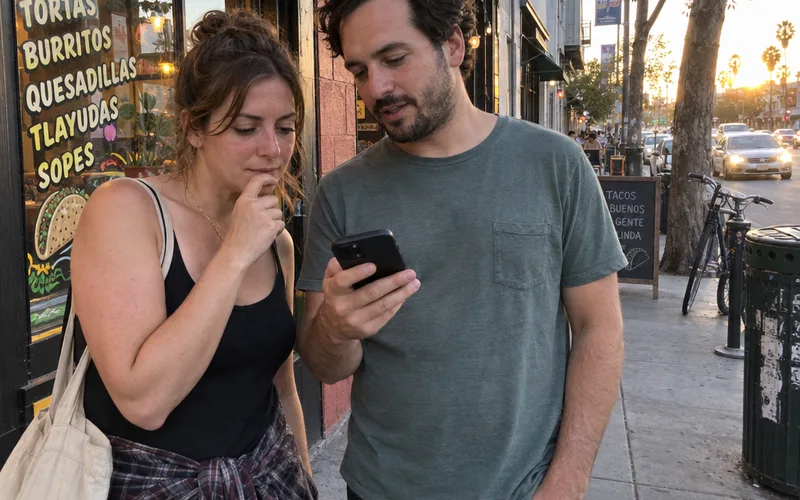
That’s why the payoff from a healthier profile shows up as directions and calls, not just stars. For example, InMoment’s own customer story says a frozen yogurt brand saw a 92% increase in clicks to navigation from Google Maps and a 123% increase in Google Profile impressions in less than a year.
Treat it as one vendor’s best case for one brand, not a number to expect.
But the direction is the point: more people asking for directions to your door is the result you’re working toward.
Which Review Sites a Restaurant Should Watch
A US restaurant should watch Google first, then Yelp, TripAdvisor, Facebook and every delivery app it sells on, since those are the places guests post about a restaurant visit. Add any local site or app that sends you guests, such as a reservation platform.
Here’s a simple way to rank them for your own place:
- Google: reviews show up right on your map listing, so nearly every new guest sees them.
- Yelp: another big review site diners check, especially for sit-down meals.
- TripAdvisor: matters most if you get tourists or travelers.
- Facebook: recommendations from friends and locals, plus comments on your posts.
- Delivery apps: ratings on DoorDash, Uber Eats or Grubhub follow your takeout orders.
You don’t need to be equally active on all of them.
So if most of your guests are locals, spend most of your time on Google and Yelp. If you sit near a hotel strip, TripAdvisor moves up the list.
Pro Tip: For one week, ask new guests how they found you and tally the answers. That tally tells you which site deserves your time.
Step #1: Claim and Fix Every Listing
Claiming and fixing your listings means taking ownership of your restaurant’s profile on Google, Yelp, TripAdvisor, Apple Maps, Facebook and each delivery app, then making the hours, address, phone, menu and photos match everywhere. Wrong hours or an old menu earn bad reviews that have nothing to do with your food.
Start with Google, because it’s the profile most diners see.
Google Business Profile is the free tool that used to be called Google My Business, and it controls what shows up when someone finds you in Search or Maps. If you haven’t claimed it, search your restaurant’s name and tap “Own this business?”
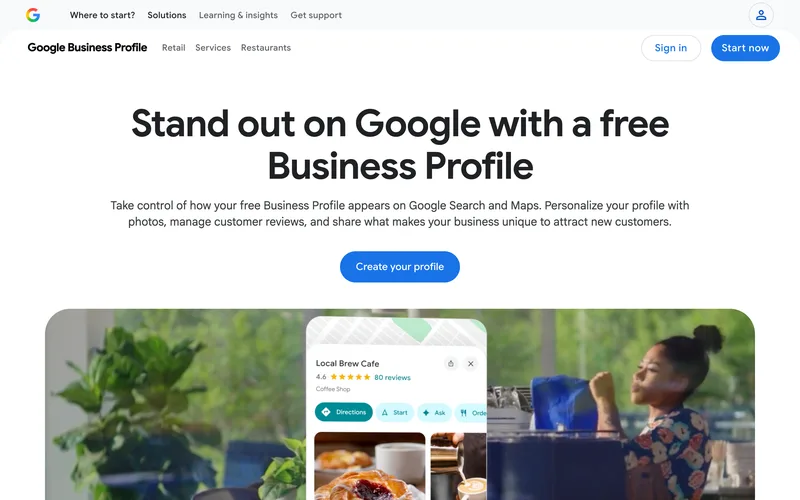
Then fill in every field you can. That means hours (including holiday hours), menu link, ordering link, photos of real dishes and your dining room, and the attributes that apply, like outdoor seating or kid-friendly.
Once your Google Business Profile setup is done, run through the rest of your listings:
- Yelp: claim your page through Yelp for Business and fix the hours and photos there.
- TripAdvisor: claim the listing so you can reply as the owner.
- Apple Maps: use Apple Business Connect to correct your details for iPhone users.
- Facebook: check the hours, phone and menu on your page.
- Delivery apps: confirm the menu, prices and hours match your real ones.
Here’s the deal:
A guest who drives over at 9:30 because your listing said you close at 10 won’t care that the sign on your door says 9.
They’ll just write the review.
Photos deserve a quick look too.
If the newest pictures on your listing are blurry guest shots from 3 years ago, add 5 or 6 clear photos of your current dishes, your dining room and your front door, so people know what to look for when they arrive.
Key Takeaway: Every time you change hours or the menu, update every listing on the same day. Put it on the same checklist as reprinting the menu.
Step #2: Set Up Free Review Alerts
Free review alerts let a restaurant hear about new reviews and mentions within hours, using tools you already have: Google Business Profile notifications, the Yelp for Business and TripAdvisor owner apps, and Google Alerts for your restaurant’s name. Turn them all on once and new reviews come to you instead of you hunting for them.
Here’s how to set it up in about 20 minutes:
- Google Business Profile: in your profile settings, turn on email or app notifications for new reviews.
- Yelp: install the Yelp for Business app and allow review notifications.
- TripAdvisor: turn on review emails in your owner account.
- Delivery apps: check where each app shows ratings and add a weekly look to your calendar.
- Google Alerts: set alerts for your restaurant name, your name plus your city, and your name plus the word “review”.
This free service emails you whenever new pages mention the words you choose. It won’t catch every review, but it does catch blog posts, local news and forum threads that the review apps miss.
Paid tools bundle all of this into one place.
For example, RepCheckup’s homepage says it alerts a business when there’s a new review or rating on 20+ popular websites. That’s handy once you’re on many sites, but a single location can get most of the way there with the free alerts above.
Next, give every alert a home.
A simple review log in a spreadsheet works fine, with one row per review and 5 columns: date, site, star rating, what it was about and the date you replied.

That log does 2 jobs. It shows you which reviews still need a reply, and it becomes the raw material for the monthly pattern review in step 6.
Note: Send every alert to one shared inbox or phone that you or your manager actually check. An alert nobody reads is the same as no alert.
So if you only do one thing today, turn on Google review notifications.
Step #3: Reply to Every Review, Good and Bad
Replying to every review means answering each new review on Google, Yelp and TripAdvisor within a day or two, with a short, personal thank-you for good reviews and a calm apology plus an offer to talk for bad ones. Your replies are public, so you’re really writing to every future guest who reads them.
That’s the part most owners miss.
The person who left the review has already made up their mind. The people who read it next week haven’t.
Here’s what to keep in every reply:
- Use the guest’s name if the review shows it.
- Mention one specific thing they said.
- Keep it to 2 to 4 sentences.
- Sign it with your name and role.
Copy-and-paste replies are easy to spot, so change at least one line every time.
Replying to a 5-Star Review
A 5-star reply should thank the guest by name, repeat the dish or moment they loved and invite them back for something specific. It takes 30 seconds and it shows readers that real people run the place.
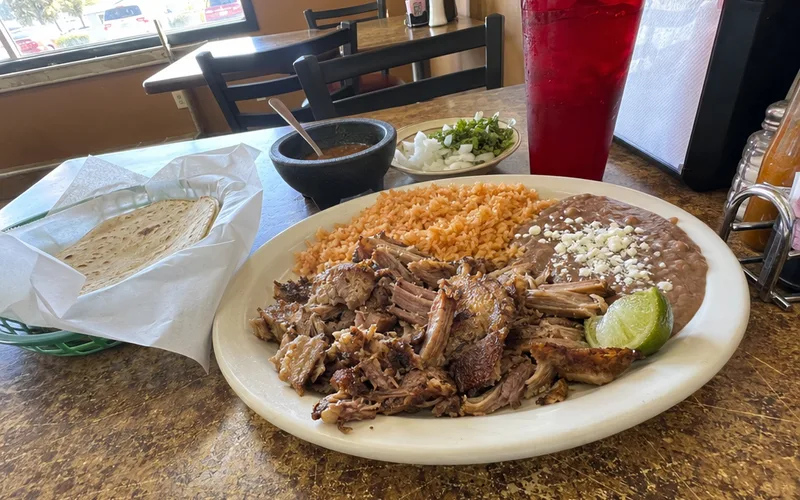
Here’s an example:
“Thanks, Maria! So glad the carnitas plate hit the spot. Come back for Taco Tuesday and say hi. [Your name], owner.”
A small bank of 5-star review replies saves time on busy weeks, as long as you tweak each one.
Replying to a 1-Star Review
A 1-star reply should apologize for the specific problem, avoid arguing in public and give the guest a direct way to reach the owner or manager. The goal is to move the conversation offline and show readers you take problems seriously.
Here’s what to say:
“Hi Dan, I’m sorry your pizza arrived cold on Friday. That’s not how we want anyone’s night to go. I’m the owner, and I’d like to make it right. Please call me at [number] or email [address].”
Notice what’s missing.
No excuses, no “we were short-staffed” and no “that’s never happened before.”
Replying to a 3-Star Review
A 3-star reply should thank the guest for the good parts, own the part that fell short and say what you’re changing. Mixed reviews are often the most useful ones, because the guest liked you enough to explain exactly what would have made it a 5.
Here’s an example:
“Thanks, Priya. Glad you loved the pozole, and you’re right that 25 minutes is too long for chips and salsa. We’ve moved chips to the first thing servers bring out. Hope you’ll give us another try. [Your name], owner.”
That reply works because it names one real fix.
Readers can see the restaurant listened, which is the whole point of replying in public.
Unfair reviews need a slightly different approach, and the full method to respond to negative restaurant reviews covers those cases step by step. The same calm structure works for every star rating, which is most of what you need to know about how to respond to reviews.
Pro Tip: Write your reply, then wait 10 minutes before posting it. Angry replies are the ones owners regret.
Step #4: Ask Happy Guests for Reviews
Asking happy guests for Google reviews is how a restaurant gets more positive reviews, because a happy guest who isn’t asked usually just goes home. Ask in person at the right moment, then make it easy with a QR code or a link sent after the visit.
The right moment is right after a compliment.
When a guest says “That was amazing,” that’s your cue.
Here’s what to say: “Thank you, that really makes our night. If you have 30 seconds, a Google review helps a small place like ours more than you’d think.”
Then make it easy, because every extra tap loses people.
Start by grabbing your direct review link. In your business profile, look for the “Ask for reviews” or “Get more reviews” option, copy the short link it gives you and turn it into a QR code.
That one link powers everything below. A few low-cost options:
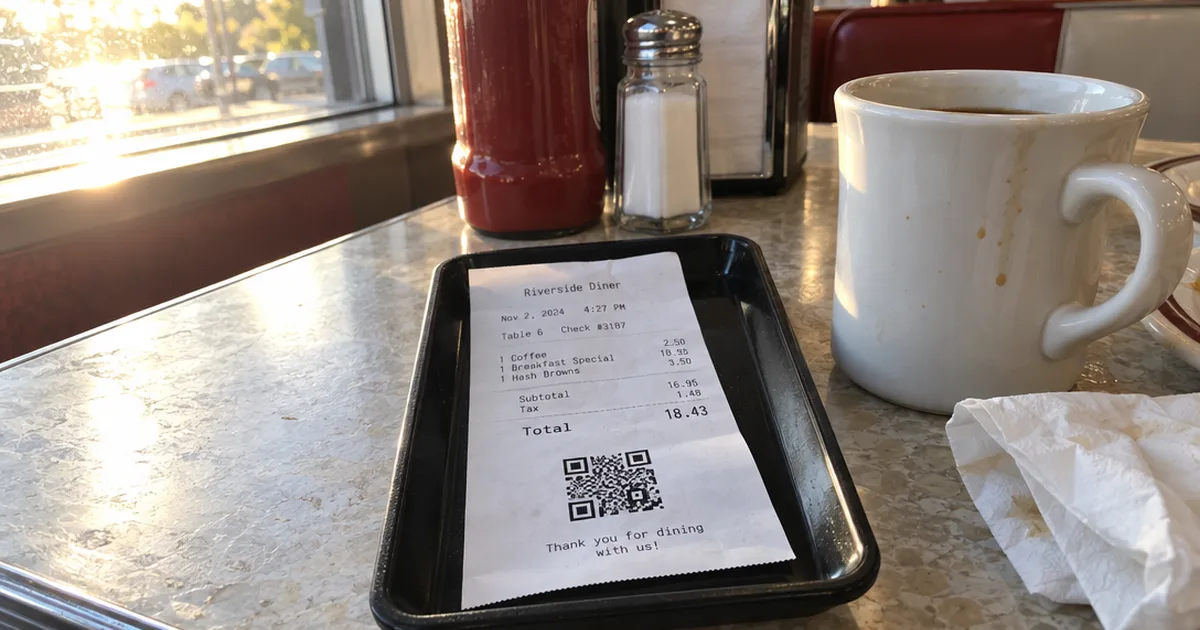
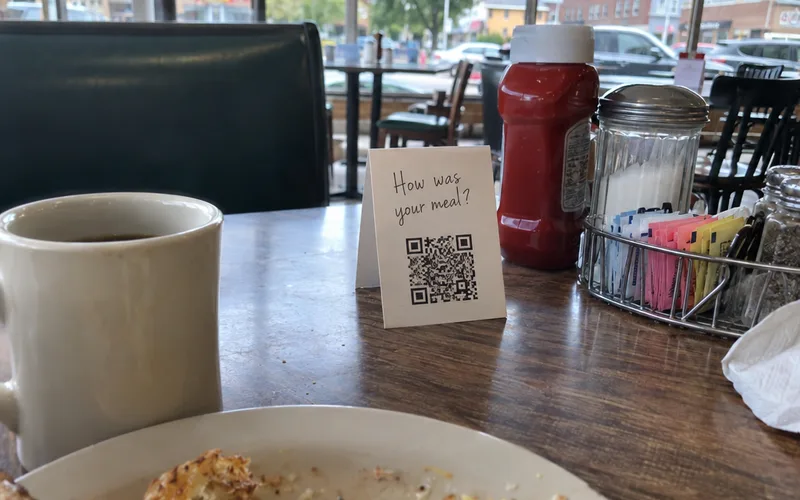
- Receipts: print a QR code that opens your review form. Many POS systems let you add a QR code on receipts as a header or footer image.
- Table tents: a small card with the same QR code and one line of text. Simple table tent ideas work well for review prompts.
- A text or email after the visit: only to guests who gave you their number or email to hear from you.
- Takeout bags: a sticker with the QR code and “Tell us how we did.”
Rewards are a different story.
Don’t tie a discount, a free dessert or loyalty points to leaving a review. A review that earned a reward looks bought to everyone who reads it, so check each site’s own review rules before you try any review incentive.
Reward visits, and ask for reviews separately.
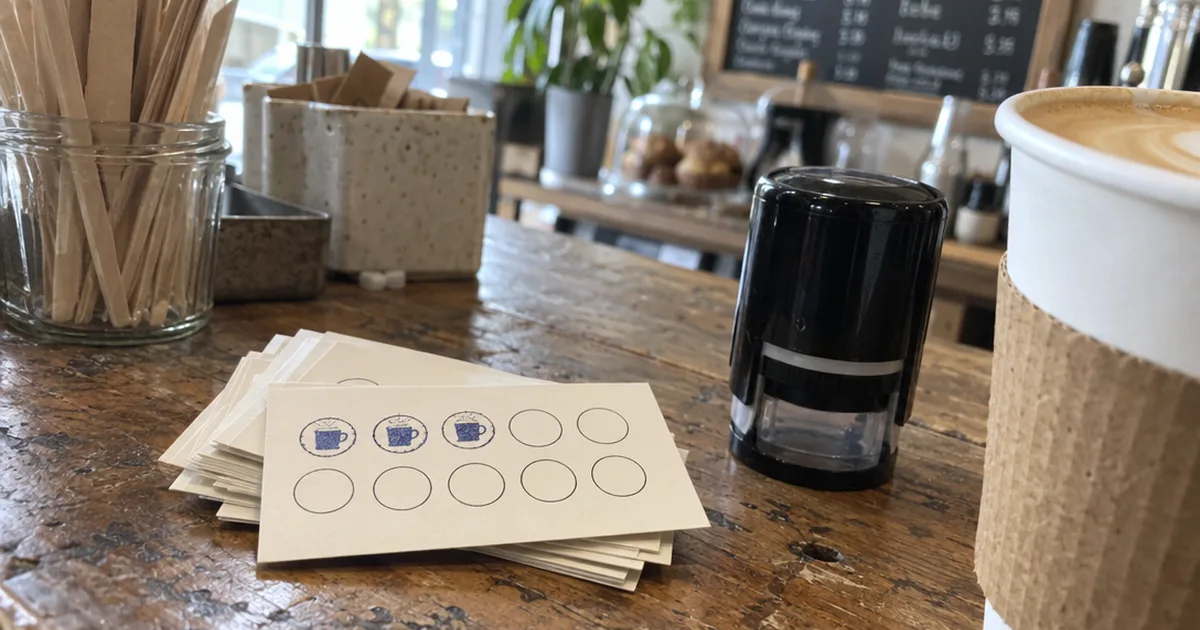
A digital punch card in Apple Wallet or Google Wallet is a good way to do the first part. Regulars earn a stamp every visit, and you get a direct way to bring them back that doesn’t depend on any review site.
That card can grow into a full customer loyalty program later, with its own rewards and its own reasons to come back.
Key Takeaway: Train every server to ask after a compliment. One sentence, said at the right moment, does more than a sign on the wall.
Step #5: Catch Complaints Before They Go Public
Catching complaints before they go public means giving unhappy guests an easy, private way to share feedback before they post on Google or Yelp, ideally while they’re still in the restaurant. A complaint you hear at the table is a problem you can fix; the same complaint online stays there for years.
Here’s how to open those private channels:
- The table check: a manager visits each table once, after the food arrives, and asks “How is everything so far?”
- The exit question: whoever runs the register asks “How was everything tonight?” and listens to the answer.
- A short survey: a 2-question form linked from your receipt or text follow-up. Keep the customer satisfaction survey to questions a guest can answer in under a minute.
- A direct line: print the manager’s email or text number on the receipt for “anything we can fix.”
If you text guests after a visit, keep the message short enough to answer in one tap:
“Thanks for eating with us tonight! How did we do? Reply with a number from 1 to 5.”
Any answer of 1 or 2 gets a call or a personal reply from the manager the same day. That’s often the moment an upset guest decides not to post at all.

When a guest does complain in person, fix it on the spot if you can.
Replace the dish, comp the drink or knock something off the check. Clear steps to handle customer complaints keep your staff calm and consistent when it happens.
Not every complaint can be caught early. But each one you solve in the dining room is one fewer 1-star review you have to answer later.
That’s a trade worth making every night.
Step #6: Turn Review Patterns Into Fixes
Turning review patterns into fixes means reading a month of reviews from Google, Yelp and TripAdvisor as a group, counting which complaints and compliments repeat, and changing the one thing that shows up most. A single bad review is an opinion, but the same complaint 5 times is a problem you can fix.
Here’s a simple system any manager can run:
- Pull the month’s reviews from every site you watch, delivery apps included.
- Tag each one with a few words: slow service, cold food, rude staff, dirty restroom, great value, friendly staff.
- Count the tags on a sheet of paper or in a spreadsheet.
- Pick the top complaint and decide one change to fix it.
- Check next month’s count to see if it dropped.
Say 6 reviews this month mention long waits, and 4 of them are from Friday nights.
That’s not 6 separate bad moods.
It’s a staffing gap on Fridays, and adding a server or prepping more before 6 p.m. is the fix.
Do the same with compliments. If guests keep praising one dish, put it at the top of the menu and in your next social post.
Your reviews are free customer data, so use them like data.
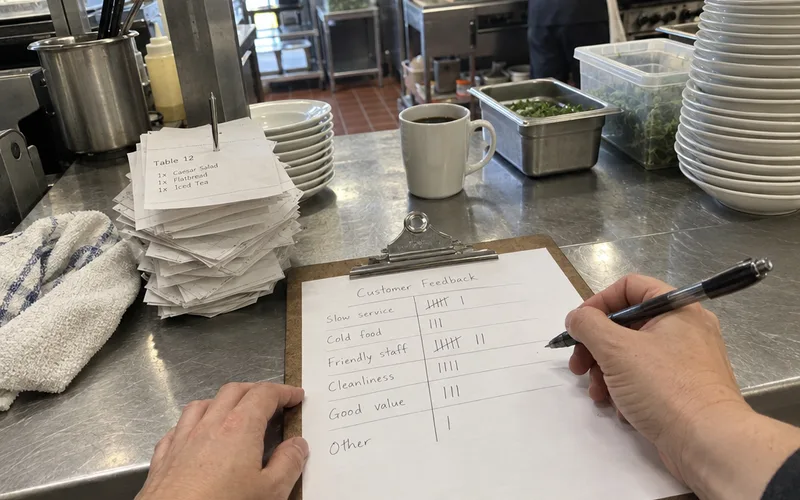
Share the monthly count with your staff in a quick pre-shift meeting. People fix problems faster when they can see the numbers.
Step #7: Put Your Best Reviews to Work
Putting your best reviews to work means sharing real guest praise on your social media, website and in-store signs, so new diners see it in places beyond the review sites. A glowing review reaches far more people when you repost it than when it sits on page 3 of your review profile.
Here are easy ways to reuse good reviews:
- Turn a short review into an Instagram or Facebook post with a photo of the dish it mentions.
- Add 3 or 4 recent reviews to your website’s homepage.
- Print a favorite quote on a chalkboard by the door.
- Thank the reviewer by first name in a post, if their review was public.
Scheduling tools help if you’re short on time. Hootsuite and Buffer let you plan posts for the week in one sitting, and MeetEdgar can recycle your evergreen posts so your feed never goes quiet.
Just keep someone checking the comments, because a scheduled post can’t answer a question.
Reviews are only one part of a plan to promote your restaurant on social media, but they’re the easiest posts to make.
In other words, every good review is free marketing material. Use it.
Fake, Unfair and Off-Topic Reviews
Fake, unfair and off-topic reviews should be reported through the flagging tool on Google, Yelp or TripAdvisor, answered once with a calm, factual reply, and then left alone. A restaurant can’t delete a review it doesn’t like, but a site may remove one that breaks its rules.
Here’s the process I’d follow:
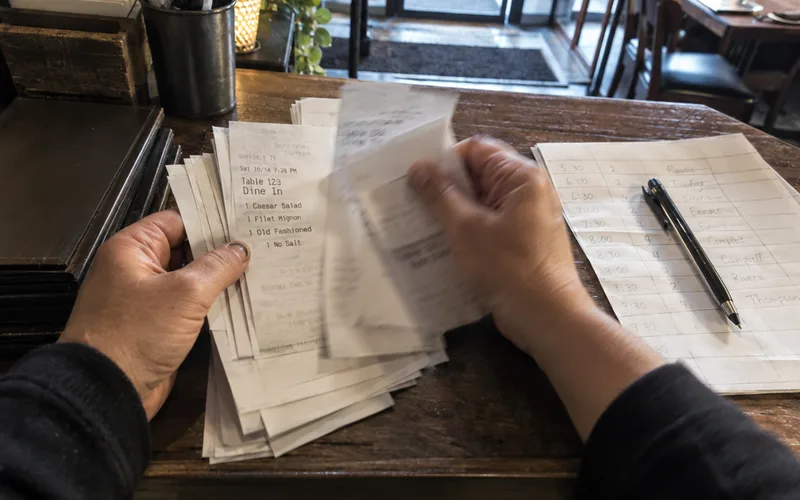
- Check your records. Look for the order, reservation or visit the review describes.
- Flag it if it looks fake, describes another business, contains hate speech or comes from a competitor or ex-employee.
- Reply once in a neutral tone, in case it stays up.
- Move on and focus on getting new, honest reviews.
Here’s an example reply for a review you can’t match to any visit:
“Hi Jordan, we can’t find a visit that matches this, and we’d like to understand what happened. Please call me at [number] so we can sort it out. [Your name], owner.”
That reply is calm, factual and readable by anyone.
It also tells future guests that you take reviews seriously, even the strange ones.
Flagging works a little differently on each site, and removing a 1-star Google review has its own set of steps.
Note: Never post fake positive reviews or ask staff and family to do it. If a site catches it, you lose far more trust than a few stars are worth.
What to Do When a Bad Story Spreads
When a bad story about your restaurant spreads, post one short, honest statement on social media within the first day that says what happened, what you’re fixing and how people can reach you. A viral post, a health complaint or a local news report all call for the same plan, because silence lets other people tell the story for you.
Here’s the first-day plan:
- Pick one spokesperson, usually the owner, so the message stays the same.
- Get the facts from your staff before you post anything.
- Post one statement on your social media pages and pin it.
- Reply to new reviews about it with a short version of the same statement.
- Fix the cause and say when it’s fixed.
Here’s an example statement:
“On Saturday a guest found a problem with their order, and they were right to be upset. We’ve reviewed what happened with our kitchen team and changed how we check orders before they leave the kitchen. If you were affected, please email me at [address]. [Your name], owner.”
Don’t argue in comment threads, and don’t delete critical comments in a panic. Deleting comments usually makes people angrier, and screenshots last forever.
If local reporters call, a few prepared lines help. Good PR for a restaurant in a bad week mostly means saying the same true thing to everyone who asks.
Not every bad review is a crisis, though.
One angry review gets one calm reply, like any other. Use the first-day plan only when the same story shows up in several places at once, such as new reviews, comments and messages from people who never ate with you.
A calm, fast, honest statement is the whole crisis plan for most small restaurants.
Do You Need Reputation Management Software?
A single-location restaurant usually doesn’t need reputation management software, because Google Business Profile, the free review-site owner tools and Google Alerts cover monitoring and replies at no cost. Software starts to pay off when you run several locations or get more reviews than you can answer by hand each week.
So what do paid tools actually add?
Mostly one inbox for everything. For example, InMoment’s restaurant page says its reputation management centralizes feedback from Google, Yelp, TripAdvisor and many more into one dashboard.
That’s the main selling point of these dashboards: one screen, one login, and sometimes AI-written reply drafts.
But the tools aimed at restaurants are built for very different buyers.
- Review dashboards like RepCheckup and InMoment collect reviews in one place and help you reply.
- Multi-location platforms like Reputation.com are pitched at franchise and corporate groups.
- PR suites like Cision are a different category entirely: Cision’s homepage says CisionOne is purpose-built for PR and communications teams.
- AI customer tools like Podium now lead with an AI assistant that answers leads and books appointments.
A small diner doesn’t need a PR suite built for corporate comms teams.
Here’s the rule I’d use: try the free setup for 3 months. If you’re still missing reviews or spending more than an hour a week copying between sites, then book demos with 2 review dashboards and compare them.
Other names you’ll see in most tool lists include Birdeye, Synup, Brand24 and RightResponse AI. Each one leans a different way, from listings to social listening to AI replies, so match the tool to the job you’re actually short on.
When you do book demos, bring this checklist:
- Does it cover all the review sites you watch, including delivery apps?
- Can you reply to reviews from the dashboard, or only read them?
- Can it collect private feedback, so it also covers step 5? Dedicated customer feedback tools do this part well on their own.
- Can you approve AI-written replies before they post?
- Can you cancel monthly, without a long contract?
If a tool can’t do the first 2, it’s not saving you any time.
What Restaurant Reputation Management Costs
Restaurant reputation management costs nothing but time when you do it yourself with free tools: quick replies as alerts arrive, plus about 15 minutes a week. Paid software and agencies replace that time, and their prices depend on the number of locations and features, so check each vendor’s pricing page before you book a demo.
Here’s how the 3 routes compare:
- Do it yourself: free, plus your time. Best for a single location.
- Software: a monthly fee per location. Some tools let you start free; RepCheckup’s homepage, for one, says you can get started for free.
- An agency or “online reputation specialist”: a monthly retainer to reply and report for you.
Before you pay anyone, ask 3 questions:
- “What’s the price for one location, all fees included?”
- “Do I own my review data and replies if I cancel?”
- “Will replies be written by a person or by AI, and can I approve them first?”
Be careful with any company that promises to remove bad reviews.
No honest service can guarantee that, because only the review sites decide what comes down.
Mistakes That Quietly Hurt a Restaurant’s Reputation
The mistakes that hurt a restaurant’s online reputation most are the quiet ones: sharing a guest’s private details in a reply, letting one person own every review, ignoring delivery app ratings and arguing facts in public on Google or Yelp. None of them feel like a big deal on the day, but readers notice every one.
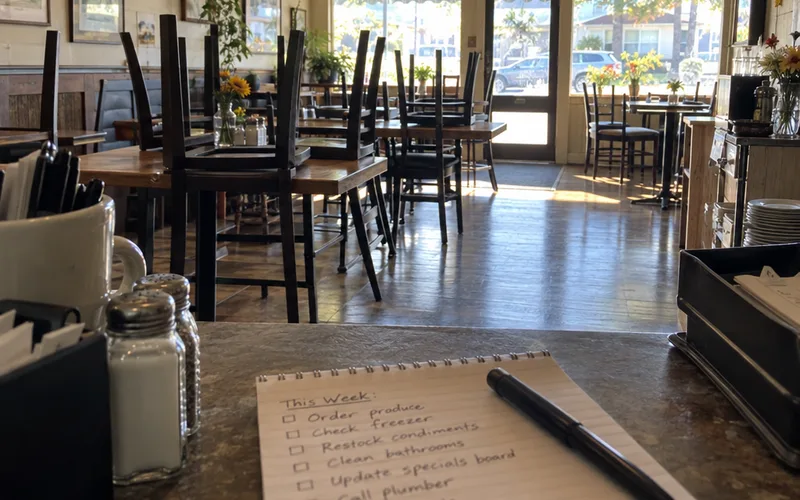
Here’s what to watch for:
- Sharing private details. Never mention a guest’s order history, bill or behavior in a public reply. Say you’d like to talk, and take it offline.
- One person owns everything. When the owner goes on vacation, reviews pile up with no replies. Train one backup, usually a manager, to use the same scripts.
- Ignoring delivery ratings. Takeout guests rate you too, and a cold-fries pattern on a delivery app is still your kitchen’s problem.
- Arguing about who’s right. Even when the guest got the facts wrong, a public back-and-forth makes the restaurant look worse than the review did.
- Replying from a personal account. Answer from the business profile on each site, never from your personal account, so every reply carries the restaurant’s name.
So if you fix only one, fix the backup problem first.
A reply from a manager on Tuesday beats a perfect reply from the owner 2 weeks later.
A 15-Minute Weekly Reputation Routine
A weekly reputation routine for a small restaurant takes about 15 minutes on top of replying to alerts as they arrive: sweep Google, Yelp, TripAdvisor and the delivery apps for anything you missed, log new reviews, flag fakes and share one good review online. Put it on the calendar for the same slow hour every week, such as Monday afternoon.
Here’s the checklist:
- Check every site you watch for reviews the alerts missed.
- Reply to any still unanswered, starting with the lowest ratings.
- Add tags for complaints and compliments to your monthly sheet.
- Flag anything that looks fake.
- Share one good review on social media, or schedule it in Hootsuite.
- Check that your hours and menu are still right everywhere.
Once a month, add the pattern review from step 6.
That’s it.
Fifteen minutes a week, done every week, beats a big cleanup once a year.
The One Thing to Do This Week
Restaurant online reputation management is a weekly habit, and the habit starts with knowing when a review lands.
So this week, turn on Google review notifications and claim any listing you haven’t claimed yet.
Then reply to the 3 most recent reviews you haven’t answered.
Frequently Asked Questions
What are the four elements of reputation management?
The four elements of restaurant reputation management are monitoring what guests say, replying to reviews, getting new reviews from happy guests and keeping your listings accurate. Fixing the problems reviews reveal sits underneath all four, because it changes what the next review says.
What is the main difference between SEO and ORM?
SEO (search engine optimization) helps people find your restaurant in search results, while ORM (online reputation management) shapes what they think once they see your listing, rating and reviews. For a local restaurant the two overlap on Google Business Profile, where your reviews and replies sit right next to your map pin.
What are the best online reputation management platforms?
The best online reputation management platform for a single restaurant is usually the free one you already have: Google Business Profile plus the Yelp and TripAdvisor owner tools and Google Alerts. Paid dashboards such as RepCheckup or InMoment start to make sense when you have several locations or more reviews than you can answer by hand each week.
Can you give customers a reward for leaving a review?
A restaurant shouldn’t tie a reward to a review, because a review that earns a discount looks bought to every diner who reads it. Reward visits through your loyalty program, ask for honest reviews separately, and read each review site’s own rules before you try any review incentive.
How fast should a restaurant reply to reviews?
A restaurant should reply to new reviews within a day or two, and to a 1-star or 2-star review the same day if you can. A fast, calm reply shows future diners that someone is paying attention, and it gives an upset guest a reason to talk to you instead of posting again.
Is restaurant online reputation management free?
Restaurant online reputation management can be completely free if you do it yourself with the free owner tools on each review site and Google Alerts. The real cost is your time, about 15 minutes a week plus quick replies as reviews arrive, and software or an agency only replaces that time.
What are some effective digital marketing strategies for restaurants?
The digital marketing strategies that suit a small restaurant best are the ones you control directly: a complete Google Business Profile, a steady flow of honest reviews, an email or text list of regulars and a loyalty program that brings them back. Start with your listings and reviews, since those are what new diners check first.